
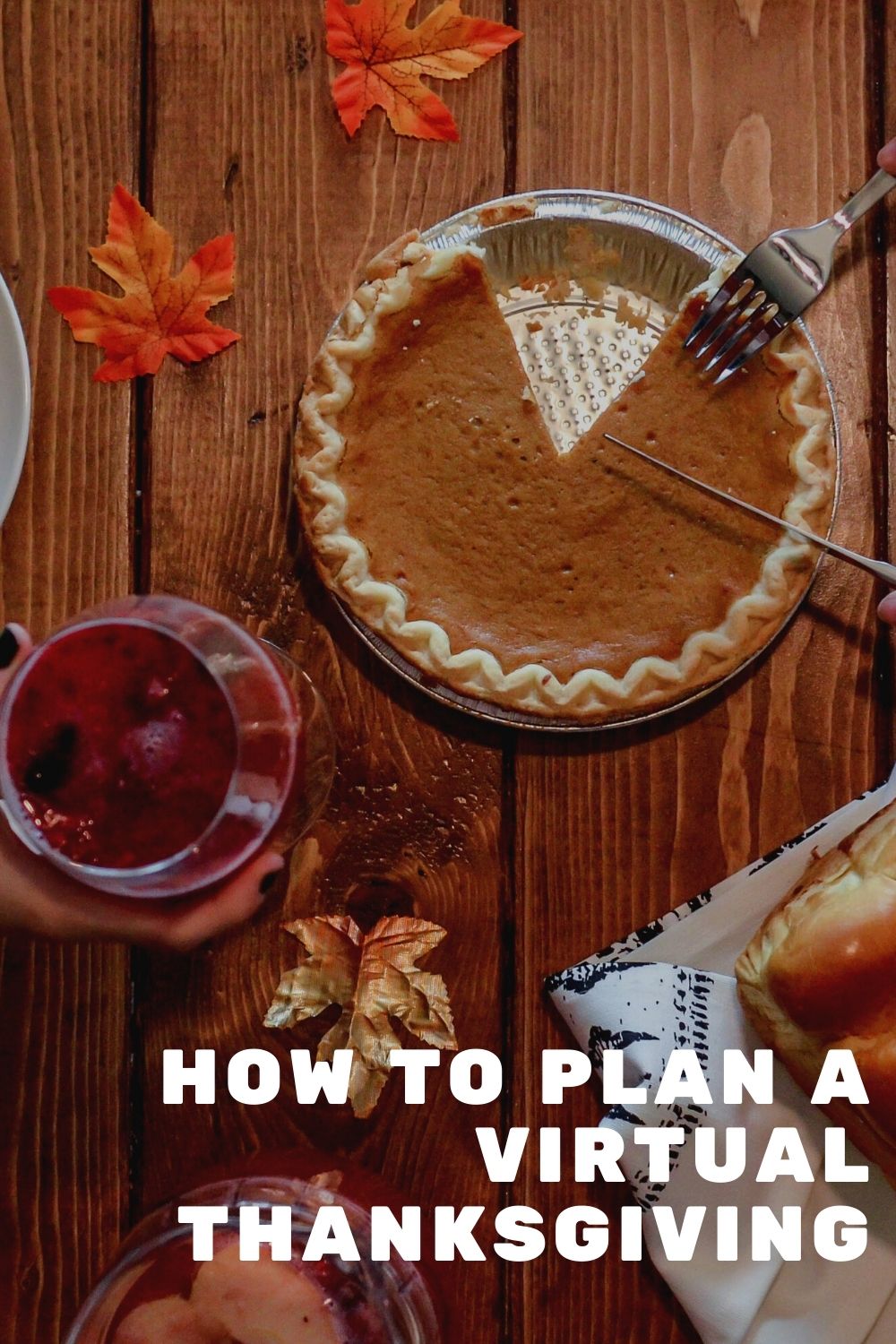
With COVID on the rise again throughout the United States the CDC is recommending avoiding large family gatherings. Being apart doesn’t have to mean not celebrating the holiday together. Now that we are six months into Zoom meetings and video calls most folks are officially getting the hang of how to communicate electronically and a Thanksgiving celebration over video chat opens up a new realm of possibilities.
One of the unforeseen benefits of a virtual Thanksgiving celebration is being able to enjoy the holiday without the hectic experience of traveling on a holiday weekend. No matter where you family is, Zoom meetings and video chat allows you to celebrate together, both in small groups or as a large party.
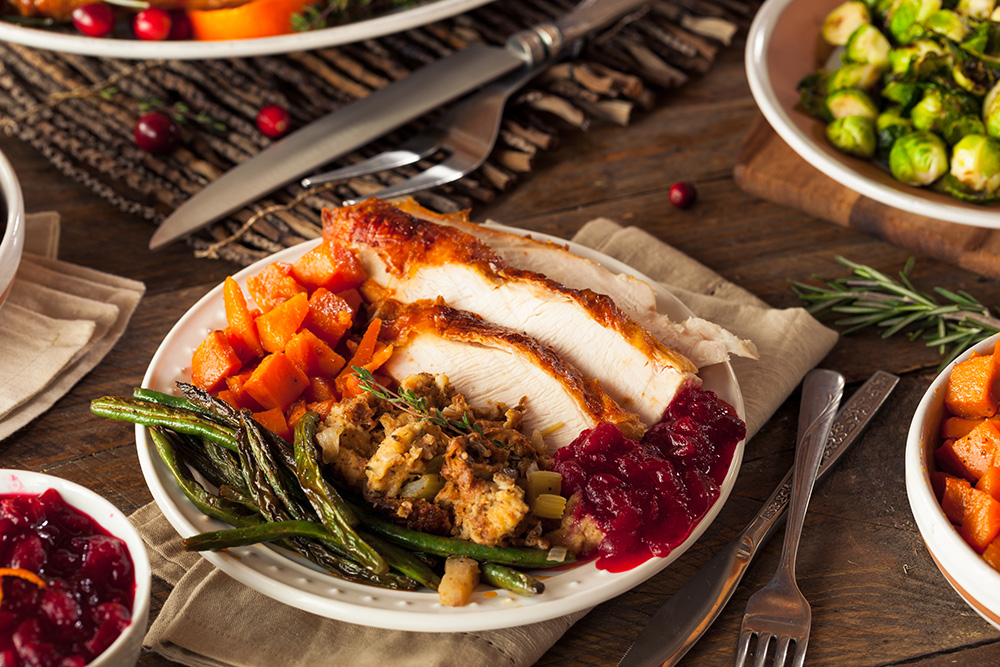
Thanksgiving is all about the food. Even if you can’t eat together as a group it’s still possible to enjoy Grandma’s stuffing recipe, an Aunt’s Famous Apple Pie – and let’s be real Costco’s Pumpkin Pie.
Ask each family member to share their favorite recipe a few days before the holiday. You can use a Shared Google Doc to allow everyone to type and collaborate together or designate a single family member to recipe photographs of everyone’s handwritten recipes. Consolidate the recipes into a single document or folder and distribute to the entire family.

Listening to everyone’s favorite music is almost as fun as listening to everyone try to avoid politics over the dinner table. Ask the entire family for a couple of their favorite holiday or cooking songs and consolidate them into a Spotify playlist. Once you have the entire list, share the playlist with the family. Even if you don’t pay for a Spotify subscription it’s possible to listen to a shared playlist!
Without everyone in the same room it may be hard to really get that Thanksgiving experience of togetherness but Zoom has enabled families around the world to communicate safely and face-to-face.
Replicate the dinner experience by setting a time to ‘eat’ dinner together. During the call talk about your experience cooking (or ordering takeout). This is a great time to share what everyone learned from the family cookbook!

A family zoom call doesn’t have to be hours long but you may be surprised how much people want to chat. Zoom allows you to host up to 40 minutes with 100 people using their free account but it’s likely SOMEONE in the family has access to a premium account by now. If Google is your preference Google Hangouts is now available to everyone for free.
Did you know most laptops can be connected to your regular family TV? This provides more visibility to see everyone in the Brady Bunch view and also offers the opportunity to eat Thanksgiving dinner in front of the tv for the first time ever!
Depending on your laptop you may need a converter or a direct HDMI cable to connect your system. An extra long HDMI cable is good for ensuring that even if you are watching the big screen you can bring your laptop close to your family for the web camera on your end.
Zoom calls without structure can be feel a bit uncomfortable. Playing a game is a great way to get everyone engaged. Imagine you were sitting at a dining room table and take whatever family tradition you are used to, and convert it to an activity you might do over a zoom call!
Virtual Thanksgiving Ideas
Interested in other virtual party games?
Zoom fatigue is REAL and if you don’t feel up for yet another video meeting, that’s ok. It’s still possible to create a face-to-face holiday without another virtual meeting.
One fun tool for creating a family video is Tribute! Designed as an easy way to collect videos from groups, set a prompt for everyone to talk about [I like the theme of thankfulness] and send out the video link so everyone can record and upload their unique video. Once the full video is compiled you can distribute the finished video as a fun keepsake of an unusual year.
Tribute isn’t free, but starting at $25 it’s a great way to create a new family tradition.
It’s been said enough that 2020 is an unprecedented year. No matter how you choose to celebrate Thanksgiving, do so safely. We are all in this pandemic together and being conscious and aware of our health is more important then ever.

Planning a virtual party doesn’t mean you can’t enjoy any games with your guests. Adding in virtual party games is a great way to keep people engaged and prevent the lull that happens when conversation dies down. It also forces the folks who might normally hang back to participate in the activity.


We are all feeling the strain of the last few weeks and the ongoing recommendations to avoid social gatherings like baby showers is putting a real damper on what is supposed to be a fun event. A few years ago I attended a virtual baby shower for friends who had to move out of state. It was a great way to still connect and celebrate their new addition, without anyone having to travel.
Whether social distancing remains in effect or if you just have friends who live to far away for a party, a virtual baby shower can be a ton of fun!

Decide on a format for your party. The party I attended was one on one sessions with the couple using Skype or Facetime. If you wanted to do a big group video party Zoom is a great free option that allows up to 100 participants at one time.
When planning a group video shower everyone will sign into a shared conferencing app, similar to a video chat for business. Skype limits free conference calls to 10 participants but Zoom is a great free option for up to 100 attendees! If you are planning to use Zoom, block your party into a 40 min time slot to take advantage of the free feature set. For longer parties Zoom has an option starting at $14.99 per month.
Schedule the party time and set up the conference call with your selected software. You’ll receive a link to send out to all of the attendees. Ask everyone to download the software before the party and do a test on their computer or phone to make sure that they can log in. Older computers might not be as video conferencing ‘friendly’.
On the day of the party encourage everyone to turn on their video camera’s so it feels like you are all in a room celebrating together!
A group virtual baby shower allows you to play games similar to what you might experience in a face-to-face shower.
With a group shower, plan out the schedule ahead of time and work to stick to it throughout the event. Your job as host is to ‘mc’ the event! Let everyone know when its time to go to the next activity.

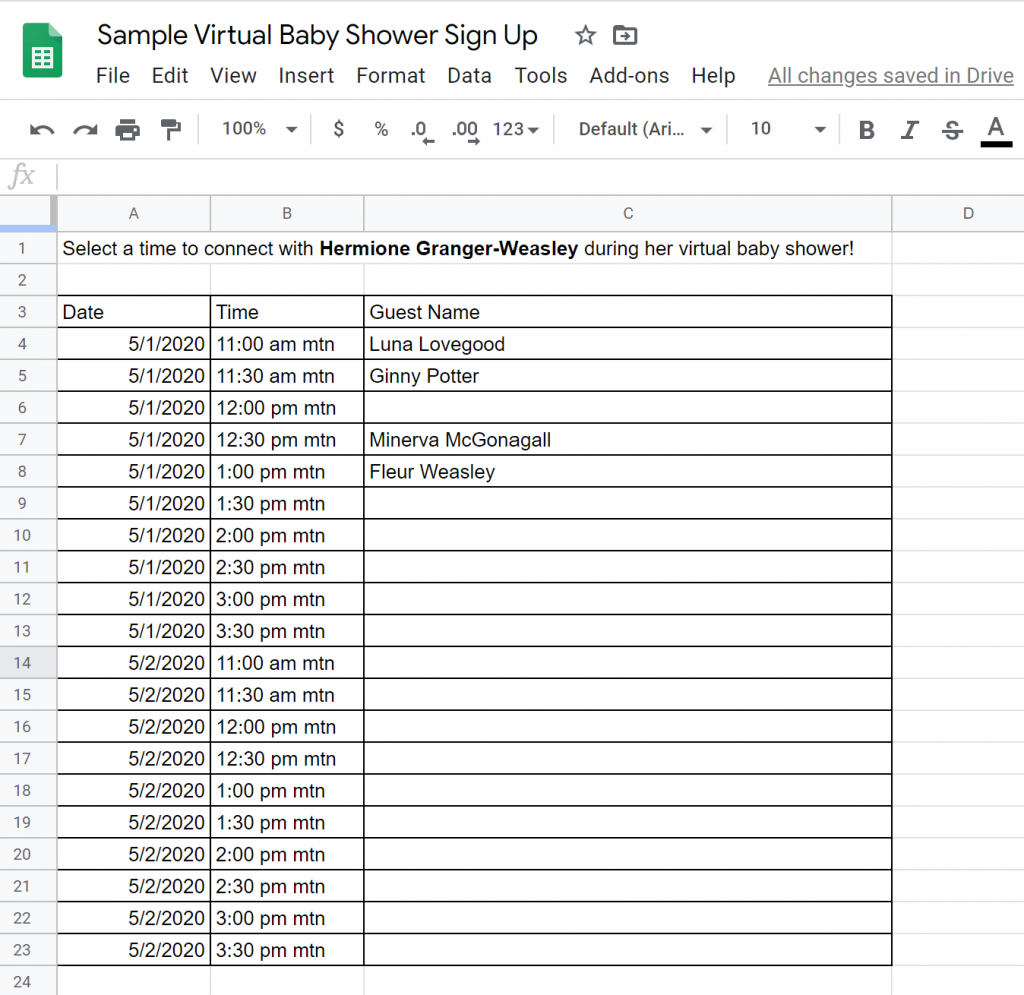
Set a time frame for the virtual party planning 30 minute ‘sessions’ per guest. Create a schedule using Google Sheets so it’s easy for everyone invited to sign up for their individual time slot.
Communicate how attendees are to connect with the guest of honor. It’s easier if you pick one solution that everyone can use. Skype, Facetime, Facebook Portal or even WhatsApp all work. If you have any folks who are older and not as used to video chatting set up a run through with him before the party to ensure that they can connect during their scheduled time.
When planning a one-on-one virtual party it’s fun to be able to connect and catch up in addition to celebrating their new baby!
A few days before the party send out individual reminders to all guests confirming that they know what time they are scheduled for and answering any questions you can ahead of time. This will make things run smoother for everyone involved.
Affiliate link

An online party is still a party and who doesn’t love getting fun mail. My favorite baby shower invites come from Sara Luke Creative. With the option to print and mail or receive a customized graphic to use via email, you’ll still be able to have beautiful invites!
If you plan to use a service like Zoom to ‘host’ the party you can insert your invite directly into the electronic meeting invitation.
Make sure to outline how you want folks to attend and any instructions they need to know before the party, like things needed for games or where to send the gifts. If you are using a conferencing link, include it on the invitation so it’s easy for folks to find the day of the party.

If you are planning for a group virtual party a game is a great way to break up the time. I’ve translated instructions for a couple of my favorite parties into a virtual gathering.
Guess the Baby
Name that Song
While the thought of quickly switching over to a virtual baby shower might be overwhelming, it’s important to consider the health of the new mom and family members during this turbulent time. Using free conferencing tools can make it fun to still get together and celebrate no matter the situation!
Have you ever attended a virtual baby shower? What ideas do you have for making a remote ‘party’ fun?
[mv_create key=”4″ type=”diy” title=”How to Host a Virtual Baby Shower” thumbnail=”http://rockymtnbliss.com/wp-content/uploads/2020/03/woman-looking-at-laptop-1467277.jpg”]The following links are a part of the Amazon Affiliate Program. There is no additional cost to you, but I will receive a small commission for any purchases you make.
This post contains affiliate links. Purchasing items using those links does not cost additional but will support the production of this publication.

I can’t believe it’s already nearly February. If you are like me and completely forgot that the Super Bowl is ALREADY HERE, these last minute party planning tips are just the trick to getting football ready in time for the weekend.
Planning an elaborate menu takes weeks and multiple trips to the store. When you’re last minute planning stick to the basics. Super Bowl parties are about watching the game and snacking through the commercials, not fine dining and elaborate buffet lines.
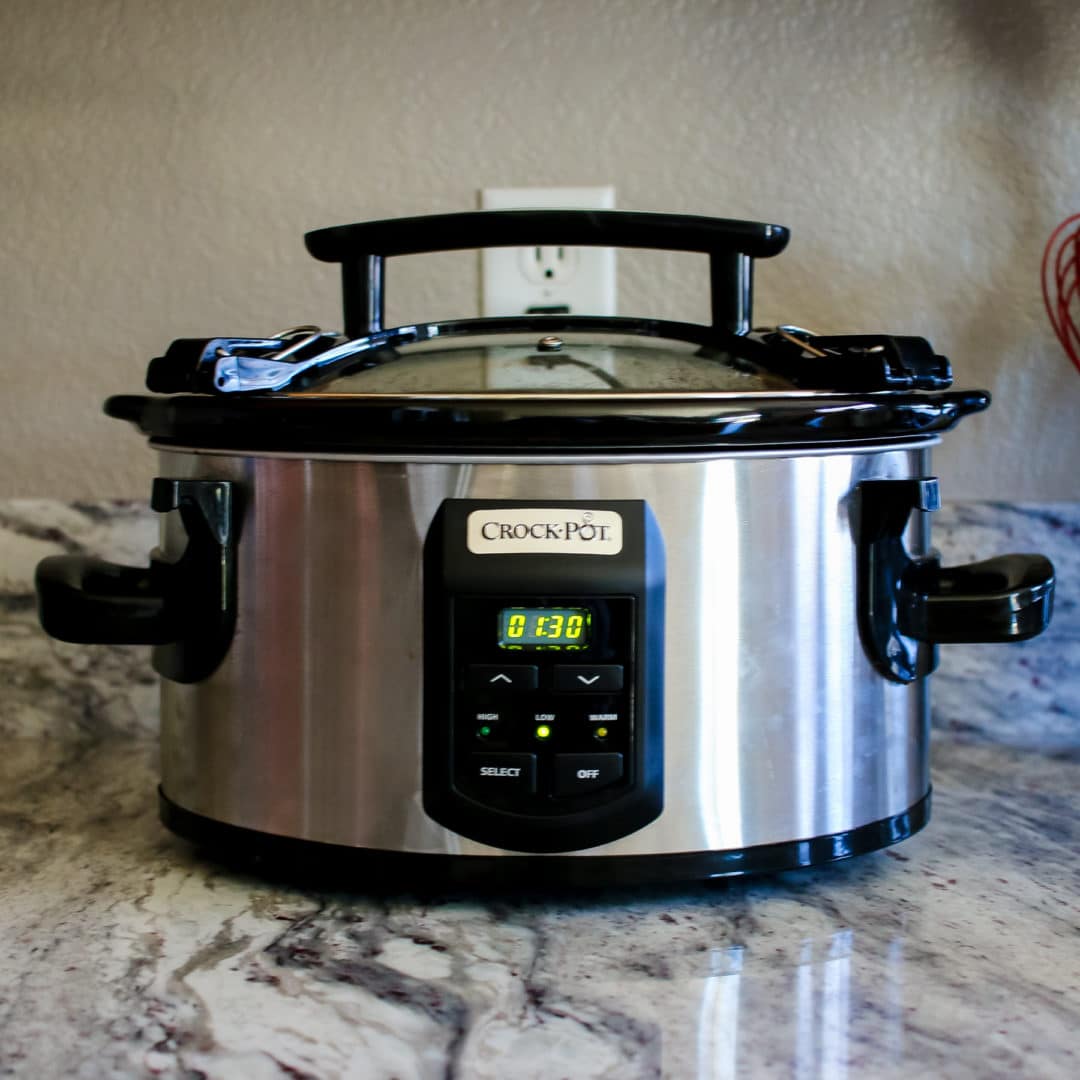
When I’m looking to throw together a last minute party dish a crockpot recipe is the way to go. For a the Super Bowl my favorite ‘easy’ recipe is queso.
[sp_recipe]
I received a couple of CrockPot Hookups for parties and these little guys are seriously PERFECT for the Super Bowl. Each pot connects to one another allowing you to link several for a full buffet line.
My plan with this Sunday is to set up 3 crock pots. The 2 sided pot will have queso and taco meat for nachos while the stand alone has wings. These are easy crowd favorites for any football game.

For additional grab and go snacks a charcuterie board is the perfect solution to keep everyone happy throughout the game. The difference between a ‘meat and cheese’ tray and a real charcuterie board is the diversity of items served.
Charcuterie board’s are full of variety and items are layered to create an artful display. Make sure to include cheese, meat, fruit, mustard and nuts to build a well rounded board with something for everyone.
If you are planning in advance, order the Hickory Farms Celebration spread to make setting your tray up that much easier!
If you’re inviting friends over for the game serving a signature punch is the perfect way to jazz things up with variety and show off your skills as hostess with the best bar recipes.
One of my favorite punch recipes uses Four Roses Bourbon and is a spicy and flavorful drink that that’s perfect for sipping throughout the game.

Peel the lemons with a potato peeler and place the skins in a bowl with sugar. Leave to sit while you prepare the rest of the party. After an hour juice lemons and use a strainer to remove any pulp.
Brew the tea in the water and throw away the teabags. Mix with the sugar and lemon peel while still hot. Remove the peels and add the Bourbon and lemon juice. Place in the fridge to chill. About a half hour before the party is set to start add the ginger beer and garnish with lemons and seasonings like cinnamon sticks, cloves and anise.

Everyone is coming over to watch the game, not judge your Pinterest prowess. That said, there’s no reason not to show off a little bit. One easy project you can whip together without a ton of effort is a ‘sacked’ bunting.
During your grocery run to pick up the snacks make sure to ask for a paper bag. You’ll be using this bag to make your bunting.
Cut a series of triangles from the bag and use a hole punch to turn them into pennants. You can either draw laces on the flags to make footballs or write ‘Don’t Get Sacked’ across the banner! String the bags along a ribbon and you are ready to kick-off the party!
Interested in other party planning tips? Check out my Kentucky Derby Party ideas.